Learn how to frame yourself on camera for YouTube and social media videos like a pro! Discover the best camera angles, shot sizes, and headroom tips to create engaging video content effortlessly.
If you’re creating video content, how you frame yourself on camera is just as important as what you say. Your audience needs to feel like they’re having a real, face-to-face conversation with you—because that’s how you build connection and trust.

But don’t worry! This isn’t a Hollywood production. We’re keeping it simple, stress-free, and easy to implement. By the end of this post, you’ll know exactly how to frame yourself on camera like a pro without overcomplicating things. Let’s dive in!
How to frame yourself on camera for YouTube & social media
01. Distance: getting closer to your audience
Your YouTube or social media videos should feel personal and engaging—like a coffee chat with a friend. That’s why long shots (where you’re far away from the camera) don’t work unless they’re for B-roll footage.
Think about it: If you were having an important conversation in real life, would you stand across the room? Probably not. You’d be face-to-face, making eye contact, and fully engaged.
For conversational videos, stick to a medium shot or a medium close-up so your audience can clearly see your face and body language. This is the best way to frame yourself on camera to create an engaging connection with your viewers.
02. Framing: the best shot for your videos
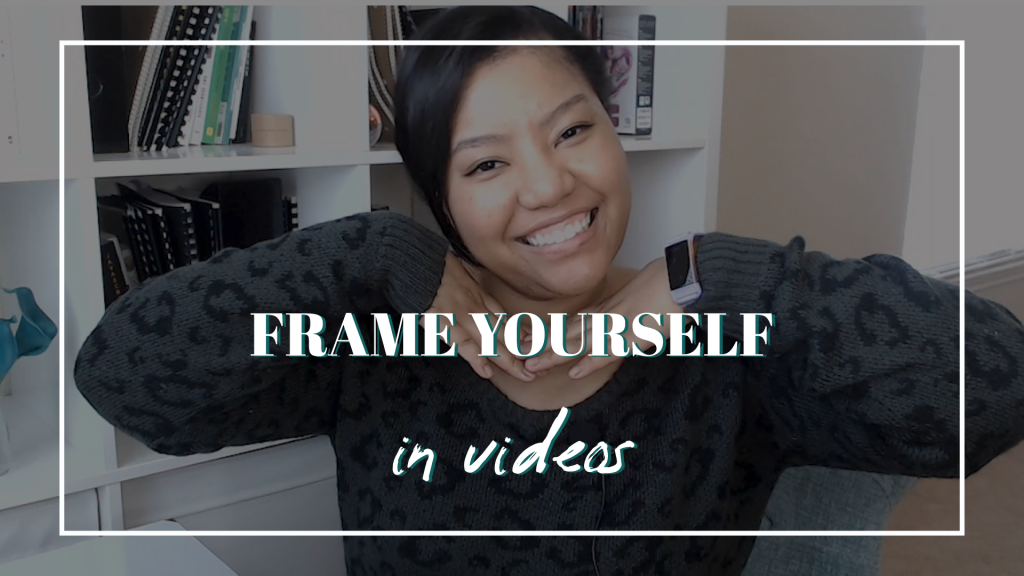
When you sit across from a friend, what do you see? Their face, shoulders, and upper body. That’s exactly how you want to frame yourself on camera.
📌 Best shots for YouTube & social media videos:
- Medium Shot (Waist-up): Great for tutorials, talking-head videos, and general content.
- Medium Close-up (Chest-up): Perfect for deeper engagement and storytelling.
🚫 Avoid close-ups and extreme close-ups unless you’re filming a beauty tutorial or showing intricate details. Super close framing can feel confrontational, which makes viewers uncomfortable.
💡 Pro tip: If you’re demonstrating something, like a product or tool, use a mix of wide and close-up shots to keep things visually interesting.
03. Headroom: how much space above your head?
The space above your head matters more than you think! Too much headroom can make you look small or disconnected, while too little can feel cramped.
For standard YouTube videos, you can have little to no headspace—it keeps the focus on you. But if you’re planning to repurpose content for Instagram Stories or Reels, leave extra space above your head to account for cropping.
🎥 Quick rule of thumb:
- No headspace? Perfectly fine for YouTube.
- A little headspace? Great for multi-platform content.
- A lot of headspace? Nope—bring the camera closer!
Recap: the foolproof way to frame yourself on camera
🎯 Keep it simple—frame yourself like you’re chatting with a friend.
✅ Use a medium or medium close-up shot for engagement.
🚫 Avoid extreme close-ups unless necessary.
📏 Leave just enough headroom to keep things balanced.
When in doubt, ask yourself:
Would this feel natural if I were talking to someone in person?
If the answer is yes, you’re good to go!
Want to make filming even easier?
If you’re a creative entrepreneur who wants to simplify video content without spending hours on production, check out my YouTube Express Kit! It’s your all-in-one toolkit to help you plan, film, and optimize your YouTube videos—without the stress.
🎬 Grab your kit here: YouTube Express Kit
Now tell me—do you think about camera composition when filming your videos? Type Y or N in the comments!
And don’t forget to subscribe for more content creation tips.