• Video Editing and Design for Sophie VL

    Video Editing and Design for Sophie VL

    Yay, I’m excited to post my first portfolio for video editing! Here’s the video editing and design for Sophie VL.

    Video Editing and Design for Sophie VL

    Overview

    Sophie VL is a business coach who helps overwhelmed entrepreneurs grow their online business and ditch the plan B.

    YouTube Videos

    Sophie creates consistent videos every Tuesday and Thursday, so I edit 2 videos a week.

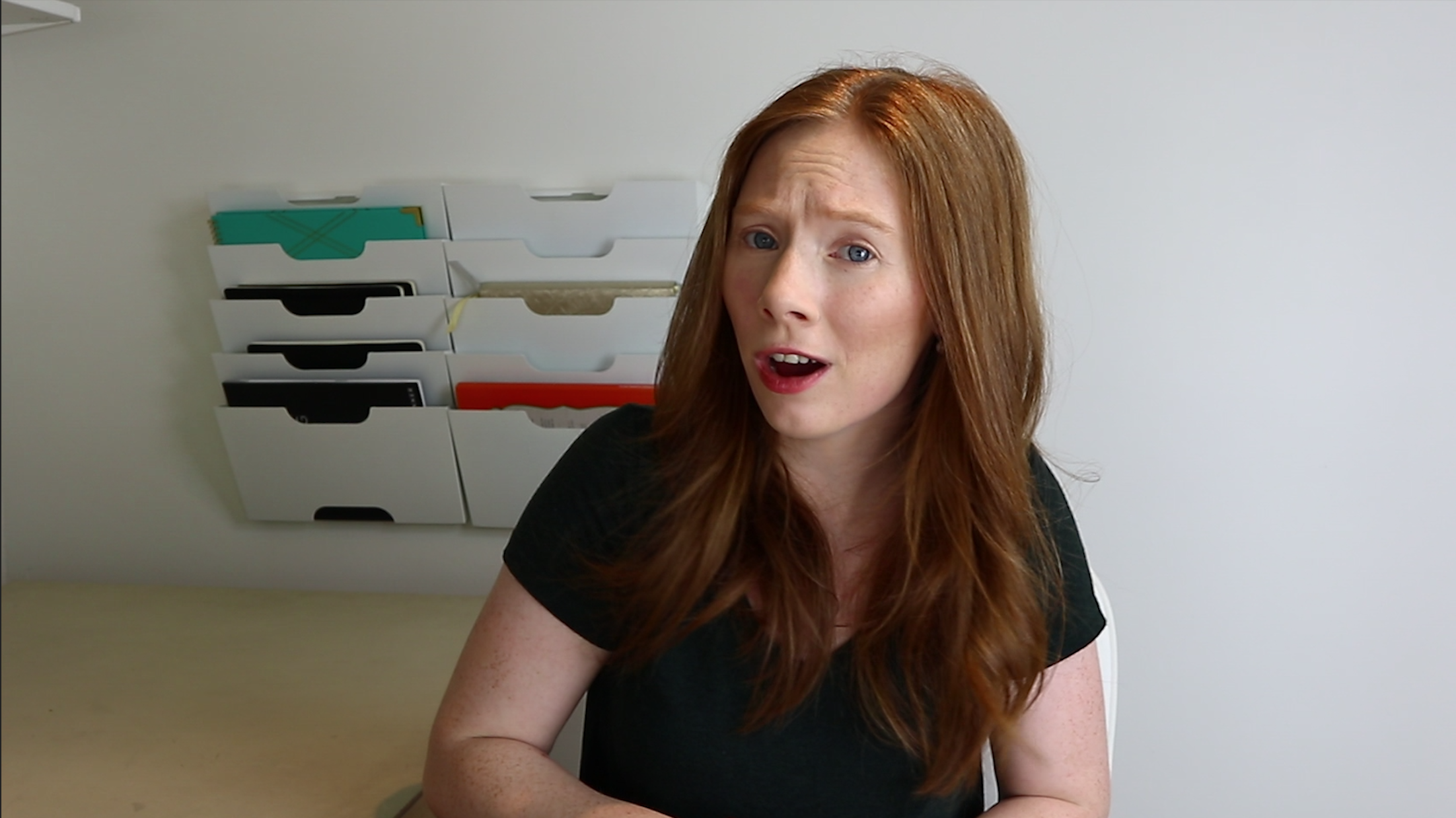
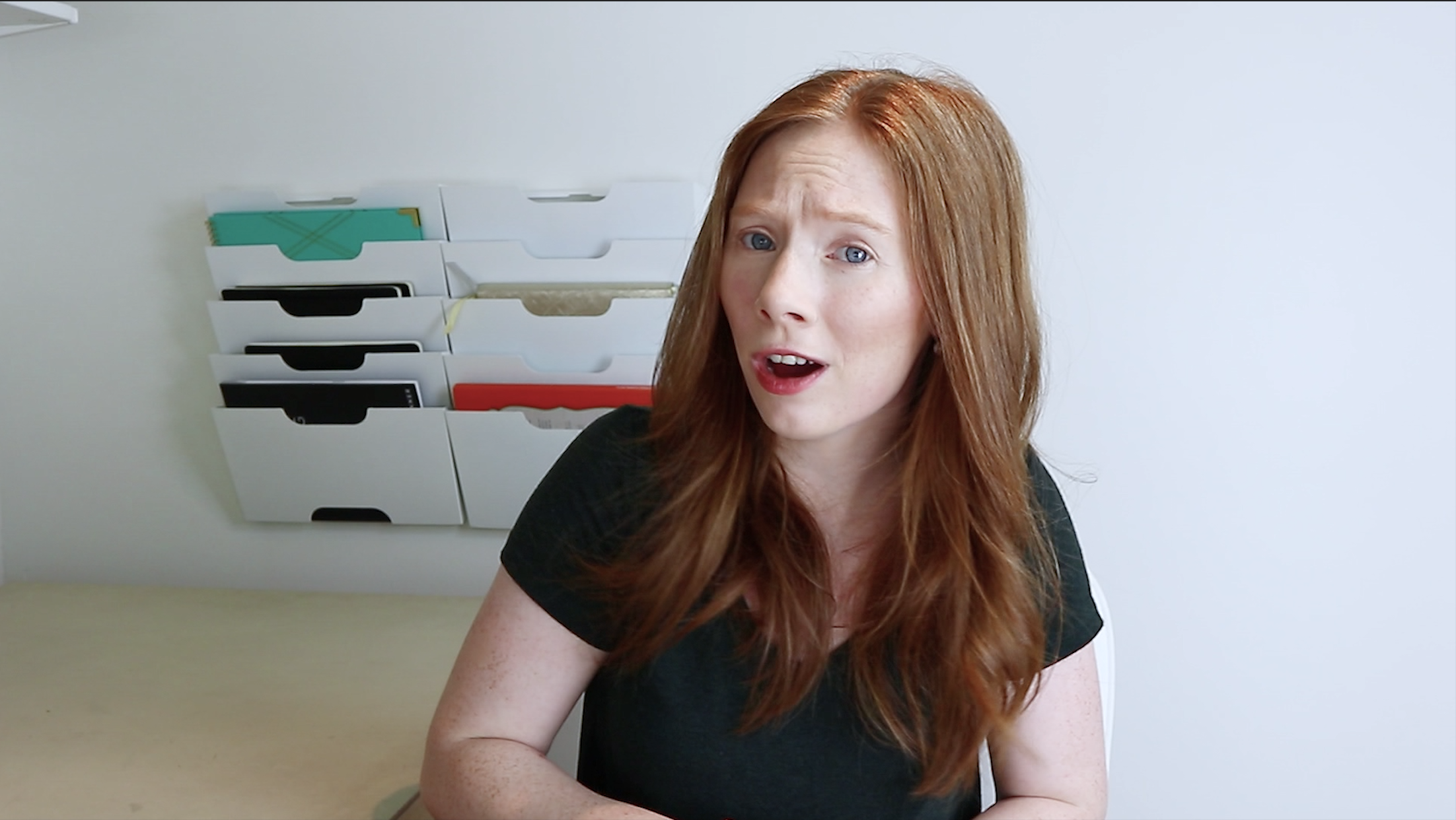
    Color Correction and Lighting

    The first thing I do for any video is a color correction and adjust the lighting. Before I start any project, I send a questionnaire to my clients. From that questionnaire, I take into consideration the style that the client likes, their brand, and their content when deciding on lighting and color.


    Before

    Video Editing and Design for Sophie VL Before color correction

    After

    Video Editing and Design for Sophie VL after color correction

    Editing and cuts

    This is all dependent on the client. At the beginning of the project, there were a lot of jump cuts and heavy editing when there were mistakes. Sophie didn’t care too much for having a lot of edits and cuts, because she wanted to keep things natural.

    Before


    After

    Channel Manager

    I’m actually the channel manager for Sophie VL. I upload videos, research titles, and tags, schedule the videos and create the end cards for the videos. Sophie only has to concentrate on creating awesome content. (more…)

    Continue Reading

  • How to record better YouTube videos

    How to record better YouTube videos

    As a video editor, it’s my job to make you look good. That makes sense right? I mean, your success equals my success too. Because I get the raw footage of your videos, I see your best and your worst  (don’t worry, your secrets are safe with me). I know how nerve-wracking it can be to be in front of a camera, so I think being prepared and knowing what to do on camera will definitely help make your videos look better and the editing process easier. If you want to learn how to record better YouTube videos, here are the 5 mistakes you’re making when recording a video.


    Secrets

    How to record better YouTube videos

    01 Slow it down

    Talking too fast. This is a nervous habit. I’m guilty of this too! When you talk too fast, you tend to run your words together. It’s also not flattering to your audience. If you edit your own videos, you’ll also see that it’s hard to edit out mistakes because words will get cut off or force you to keep parts that should have been edited out.

    If you’re nervous, stop and take a breath. Those pauses will be edited out anyway. If you’re still nervous, just stop recording and do a dry run. Usually, if I’m nervous, it’s because I’m not prepared so I like to practice and be aware of myself. When I say practice, don’t just read through what you want to say. You have to practice like it’s real. If you practice at 50%, then the real performance will be 50%. Always practice at 100% so you’ll do it naturally at 100%.


    [thrive_2step id=’4084′]

    [/thrive_2step]

    02 And cut

    Just like talking too fast, you need to take a break between thoughts. I have a client who goes from one thought to another without pausing. When you keep plowing through your thoughts, you’re bound to make mistakes and get flustered. You might think that you’re doing a good job because you know your subject and you’re finishing your video quickly, but it doesn’t look good on camera.

    It’s kind of like singing. Professional singers don’t just randomly take breaths during a song. If they did, they would destroy the rhythm of the song. Same thing for acting. You don’t see them taking random breaths during a scene. It would be distracting. Well, that’s exactly what happens when you plow through your words.

    When you keep talking without pausing, you start randomly taking breaths, or worse, swallow because your mouth is dry, and keep going. When it comes to editing, it’s hard to edit out these random breaths and swallows if you keep talking without a break. Instead of being like the energizer bunny (do you remember him, he just keeps going and going), take a breath, regroup, and then finish your thoughts. It’s all about looking natural on camera.


    Energizer bunny


    03 Being too perfect

    No one likes making mistakes. We all want to put our best face forward. No one wants to show their worst side, but in this case, do it. I’m here to edit them out. Even celebrities make mistakes. Do you think they can act out their character perfectly on screen? No, they get to have do-overs. That’s how we get to watch awesome bloopers.

    bloopers

    Your main focus should be knowing your subject and being natural. Even though your audience will likely fall in love with you because they want to emulate you or you’re helping them with your content, they still want you to be human just like them. (more…)

    Continue Reading

  • How to add a channel manager to your YouTube Channel

    How to add a channel manager to your YouTube Channel

    What’s a Channel Manager? Well, it’s someone that you add to your channel who manages your YouTube channel. This is a great option for Vloggers who want someone to do all the things for them on YouTube without giving them ‘Owner’ status. As a channel manager for my clients, I upload and schedule videos, add thumbnails, write in the description and tags, and add end cards to videos. All my client has to focus on is creating the content. Here’s how to add a channel manager to your YouTube channel.

    How to add a channel manager to your YouTube channel

    01 Login to your account.

    02 Under your icon, in the top right, go to settings.


    How to add a chaHow to add a channel manager to your YouTube Channel -Channel iconnnel manager to your YouTube ChannelHow to add a channel manager to your YouTube Channel - settings


    03 You’ll automatically be in the account section, but just in case, go to account.


    [thrive_leads id=’3972′]


    04 Under account, go to the bottom of the page and click add or remove managers.


    How to add a channel manager to your YouTube Channel - account


    05 You should see a blue button labeled ‘Manage Permissions’. (more…)

    Continue Reading