• How to upload and schedule your YouTube video
    How to upload and schedule your YouTube video

    So you’ve filmed and edited your video, but now you need to upload it to YouTube. In this video, I’m gonna show you how to upload and schedule your video to YouTube.

    Before we upload the video the first thing we need to do is, of course, log in to our YouTube account.

    So, I’m already logged in. Now I’m gonna go to this little camera icon with the plus button. When you hover over it, it says ‘create a video or post’. So you just click on it. Then you have the option of uploading a video or going live. So we’re just gonna upload a video. Then you just need to select a file to upload. I’m just gonna pick this video right here.

    So then we’re gonna go to the right where it says private. You can either make the video public or you can schedule the video. When you make the video public it’s gonna go live as soon as this video finishes uploading.
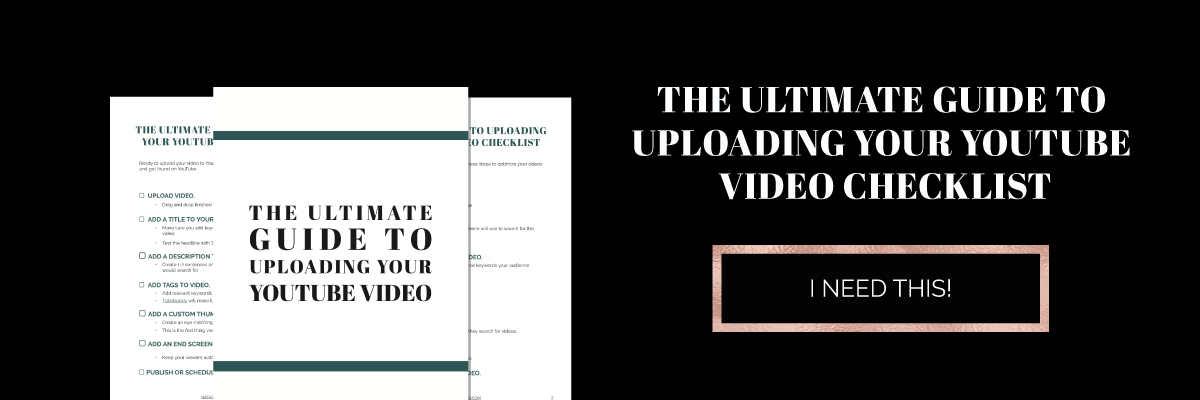
     

    The Ultimate Guide to Uploading your YouTube Video checklist

    But I’m gonna schedule the video.

    I’m gonna choose January 10th at 10:00 a.m. Then you see this little button right here, ‘publish on Thursday, January 10th’, and then click, and it’s scheduled. That’s how you upload a video to YouTube.

    So now you know how to upload your video, but don’t hit publish yet. In the next video, I’m gonna show you the five things you need to do before you hit publish. So if you’re not subscribed go ahead and subscribe, and hit the little bell notification, and you’ll be notified when the new video comes out. I’ve also created a checklist for you.

    Grab your checklist here.

    Are you launching a YouTube channel this year? Let me know in the comments below.


    – Paigon
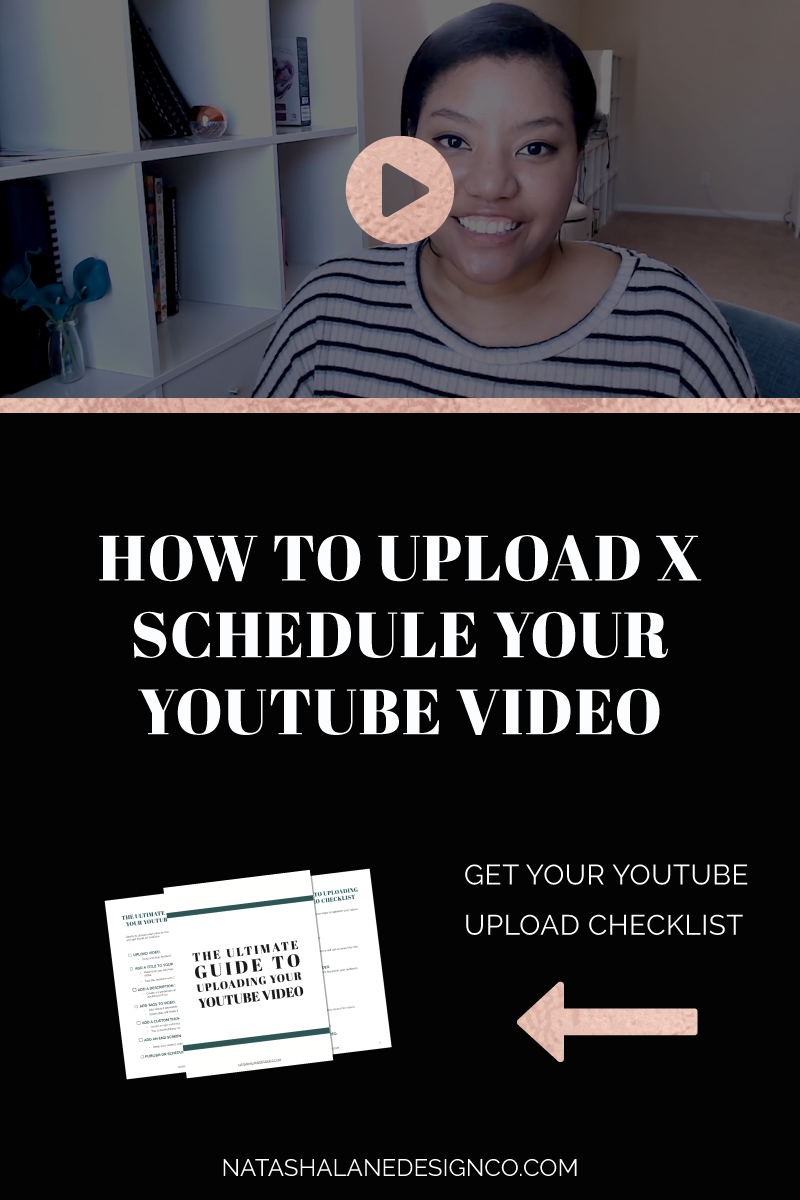
     

    The Ultimate Guide to Uploading your YouTube Video checklist


    How to upload and schedule your YouTube video How to upload and schedule your YouTube video How to upload and schedule your YouTube video How to upload and schedule your YouTube video

    Continue Reading

  • Video Editing and Design for Heather Hartman Coaching

    Video Editing and design for Heather Hartman Coaching

    When Heather Hartman first hired me, she wanted me to edit her Facebook live videos into IG TV videos.

    If you ever been to a Facebook live, you know that there’s a lot of distractions when you’re live. The reason most businesses go on Facebook live is to give information to their audience. BUT, because it’s live, you also want to talk and interact with your audience.

    The combination of giving the information and engaging with your audience makes the video longer than it needs to be. I was tasked with editing out all the small talk and repetitive information so that it’ll fit into the IG TV standard of 10 minutes.

    Besides the usual editing of sound, lighting, and bloopers, I also had to change the video dimensions since IG TV is usually viewed on the phone.

    Here’s one of the videos I edited for Heather Hartman Coaching.


    View this post on Instagram


    A post shared by 🦄 Visibility & Biz Coach (@heatherhartmancoaching) on


    Check out Heather Hartman’s IG TV videos here.

    Once we finished this project, Heather Hartman wanted to start a YouTube channel and get serious about creating content.

    For this project, I’m taking on the role of her Channel Manager and creating the thumbnails for each video.


    Check out Heather Hartman’s channel here.


    Package: Video Editing


    Continue Reading

  • Video Editing and Design for SEEKAYSEE

    Video Editing and Design for SEEKAYSEE

    This project is kind of a passion project. I’ve always wanted to step into the realm of beauty, fashion, and lifestyle vlogs.

    I stumbled upon SeeKaySee on YouTube searching for cruelty-free beauty tutorials. I saw her doing one of her creative makeup tutorials and started stalking her on Instagram.

    We messaged each other a few times and I started going to her live Twitch streams. If you haven’t been to a live Twitch stream, it’s amazing. It’s like attending a live show and interacting with the host and other people in the chat.

    The downside of Twitch streams is they are long and their focus is mainly on gaming, but I think it definitely has potential (for business and other genres).

    Getting back on topic, I thought it was a waste not to create shorter videos of her makeup tutorials and add them to YouTube, and that’s how this collaboration came about.

    I started repurposing Chris’s 3-hour Twitch videos so they could become short makeup tutorials for YouTube. This sort of morphed into other video ideas.

    Check out the video below of funny moments from SeeKaySee. I had fun editing together her funniest moments and adding graphics to match the mood.

    Here’s a video from Twitch to IGTV

    Want to check out her live Twitch stream? Click here for her channel.


    Package: Video Editing and Design

    Continue Reading